Employee billing software for owner-led counters.
Nox-Billings is employee billing software: each staff member signs in with their own credentials, with role-based permissions, discount approvals, and an audit trail so every counter action has an owner.
The product is shaped for shops, service desks, and multi-location teams that have moved past shared logins and need accountability at the counter.
Available now and currently used by 3 businesses; early enough for direct implementation support and proven enough to run in real operations.
Public pricing is listed on the Nox-Billings page; this page describes the employee-access workflow in more depth.
Audience
What the product is shaped for
Verified product screenshots
Screenshots from the current Nox-Billings surfaces that show employee access, approvals, and the day-end record.
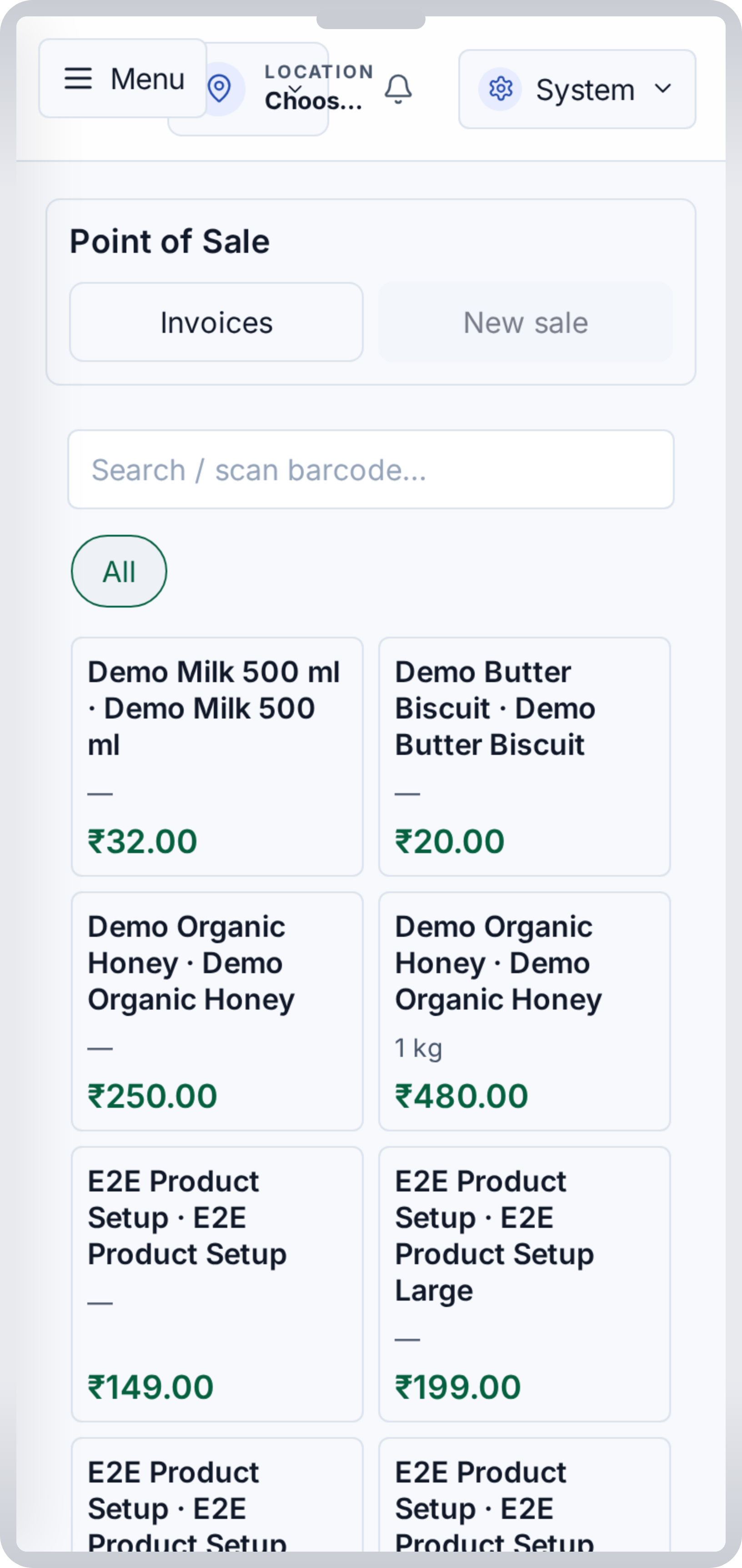 Counter sale and GST invoice creation on the current Android build.
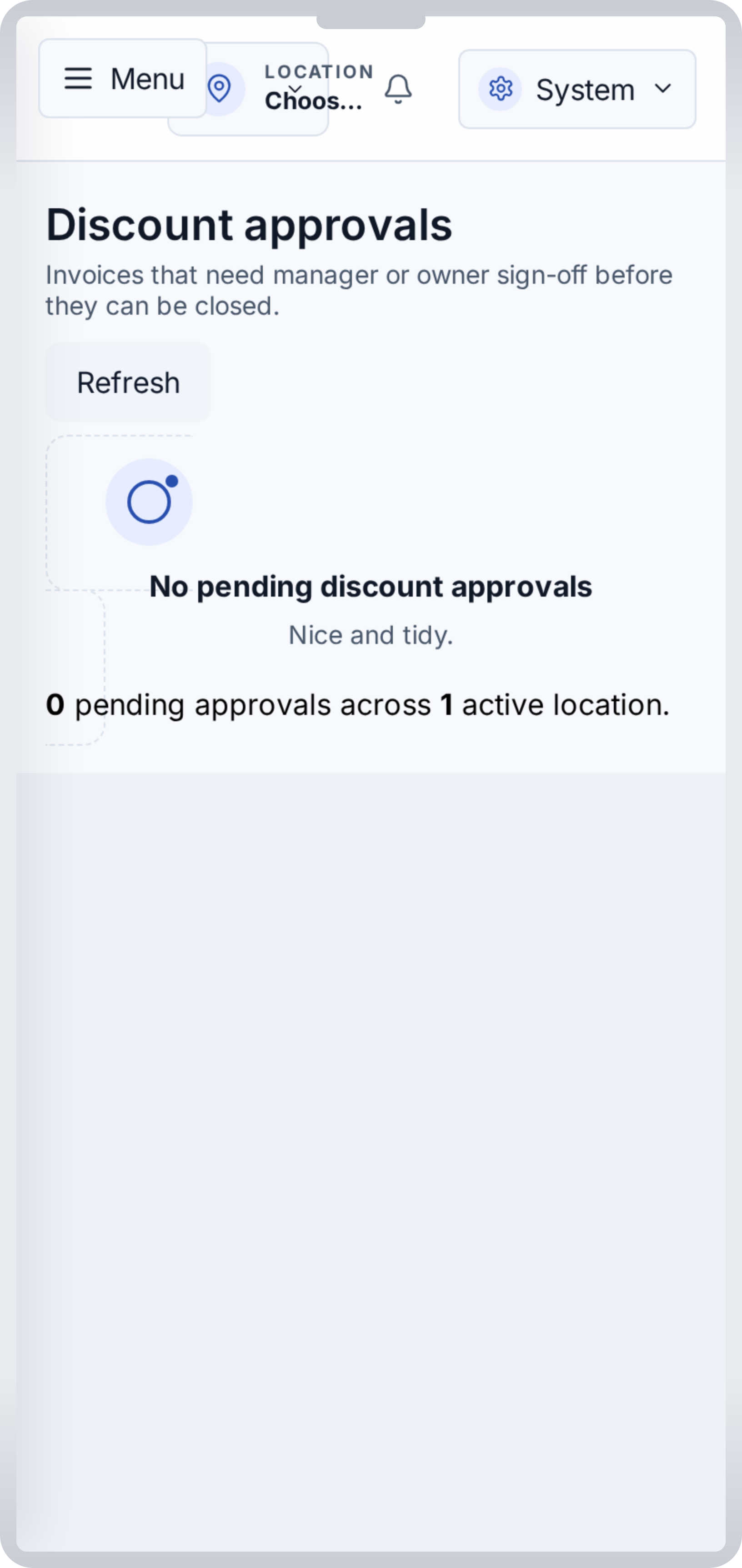 Manager approvals and exception queue from the current Android build.
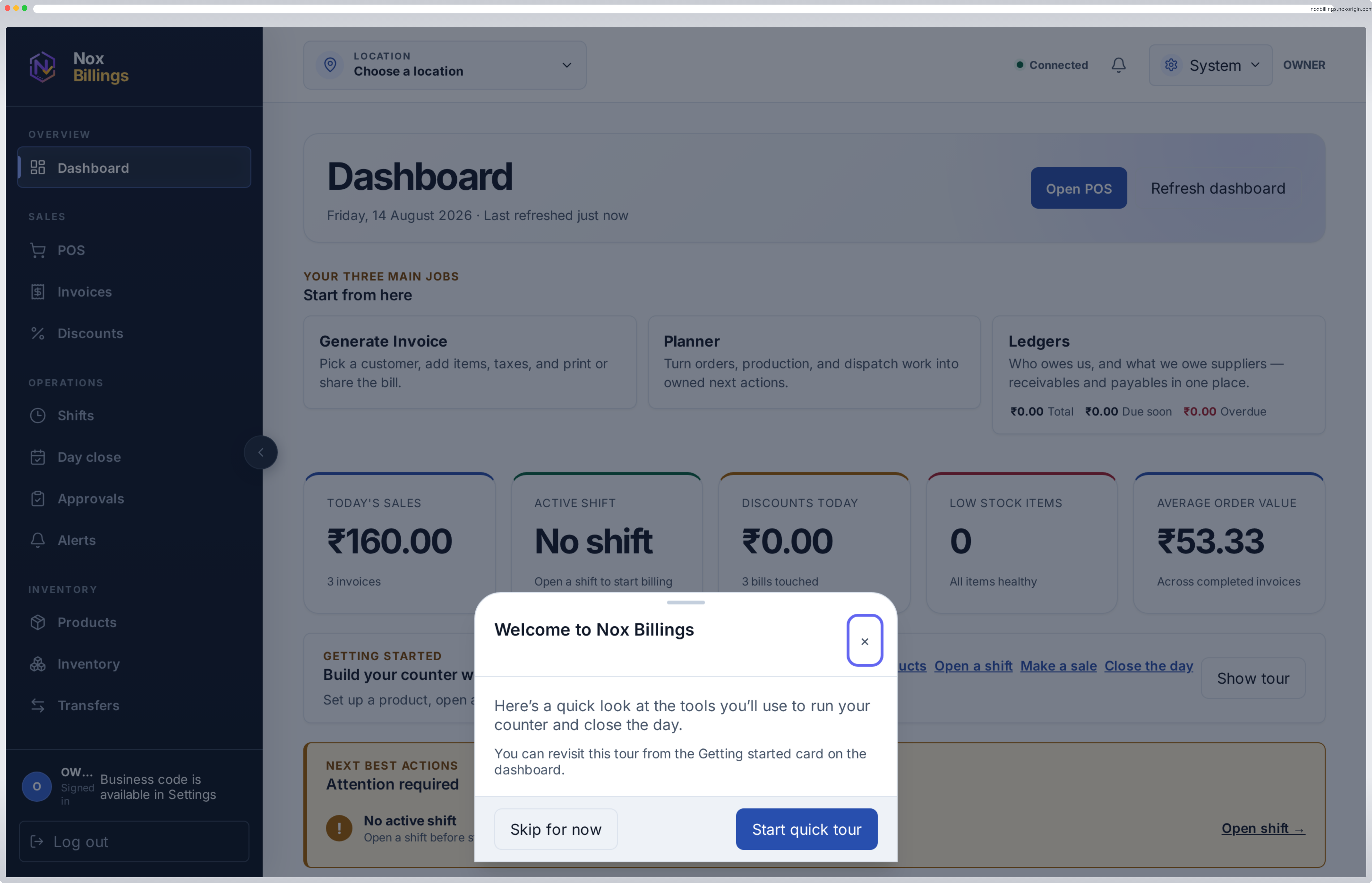 Owner dashboard view in the current browser surface.
Pricing shown there is the public list price. Assisted setup, migration, and custom workflows are quoted separately.
- Role and access review (first week)
- Setup, employee onboarding, and approval thresholds (week 2)
- Live shift with audit review (week 3)
- Roll-out and handover (week 4)
Roles, thresholds, and rollout plan are confirmed in writing before onboarding begins.
Process
- Role review. We map owner, manager, and cashier responsibilities and the actions each role should be able to perform.
- Setup and onboarding. We create the employee accounts, configure thresholds, and document the access matrix in the rollout plan.
- Live shift. Your team runs a live shift while we observe the audit log and approval queue, then close the day and review the report.
- Roll-out and handover. We hand over the operations manual and access matrix so your team owns the workflow day-to-day.
What is and is not in scope
- In scope: separate counter logins, role-based permissions, discount thresholds with manager approval, audit trail on sensitive actions, employee-wise reporting.
- Out of scope: HR, payroll, attendance, or a single-sign-on replacement for non-billing systems.
- Public pricing is the list price; assisted setup is quoted separately and confirmed in writing.
Frequently asked questions
Can each employee have a separate login?
Yes. Employee, manager, and owner roles with separate access are part of the current Nox-Billings scope. Rollout details are reviewed per deployment.
Does it track who approved a discount?
Yes. Discount thresholds and an approval queue record the requester and the decision maker. The audit trail is visible in the day-end report.
Can the owner see employee-wise activity?
Yes. Employee-wise billing and approval visibility is included in the day-end report and the audit log.
Does it replace shared counter logins?
Yes. Each staff member uses their own credentials. There is no shared counter account, so every sale, discount, refund, or cancellation is traceable to a specific user.
What about PIN-based counters?
PIN flows are supported for fast counter handoff. The PIN unlock is recorded against the underlying employee, so audit trail and reporting stay consistent.
Can access be changed after rollout?
Yes. Roles, thresholds, and approval rules can be updated through the rollout plan and are reviewed during the quarterly visibility review.
Does it work for multi-location counters?
Yes. The Multi-location plan covers up to 10 locations and 75 staff with consolidated reporting. Multi-location rollouts are scoped separately.
Book a consultation
Tell us the workflow you run today. We will confirm whether this is a sensible fit and what to do next.